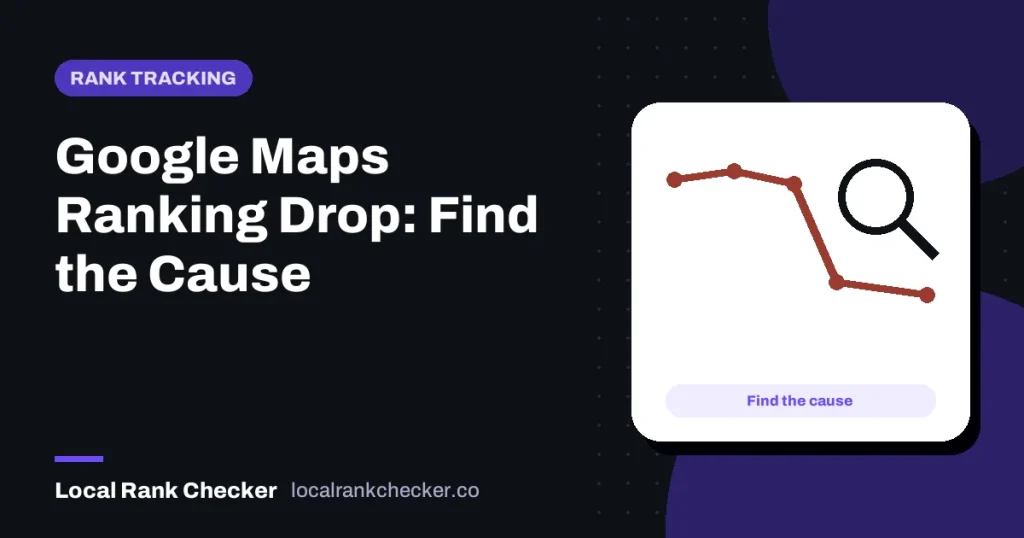

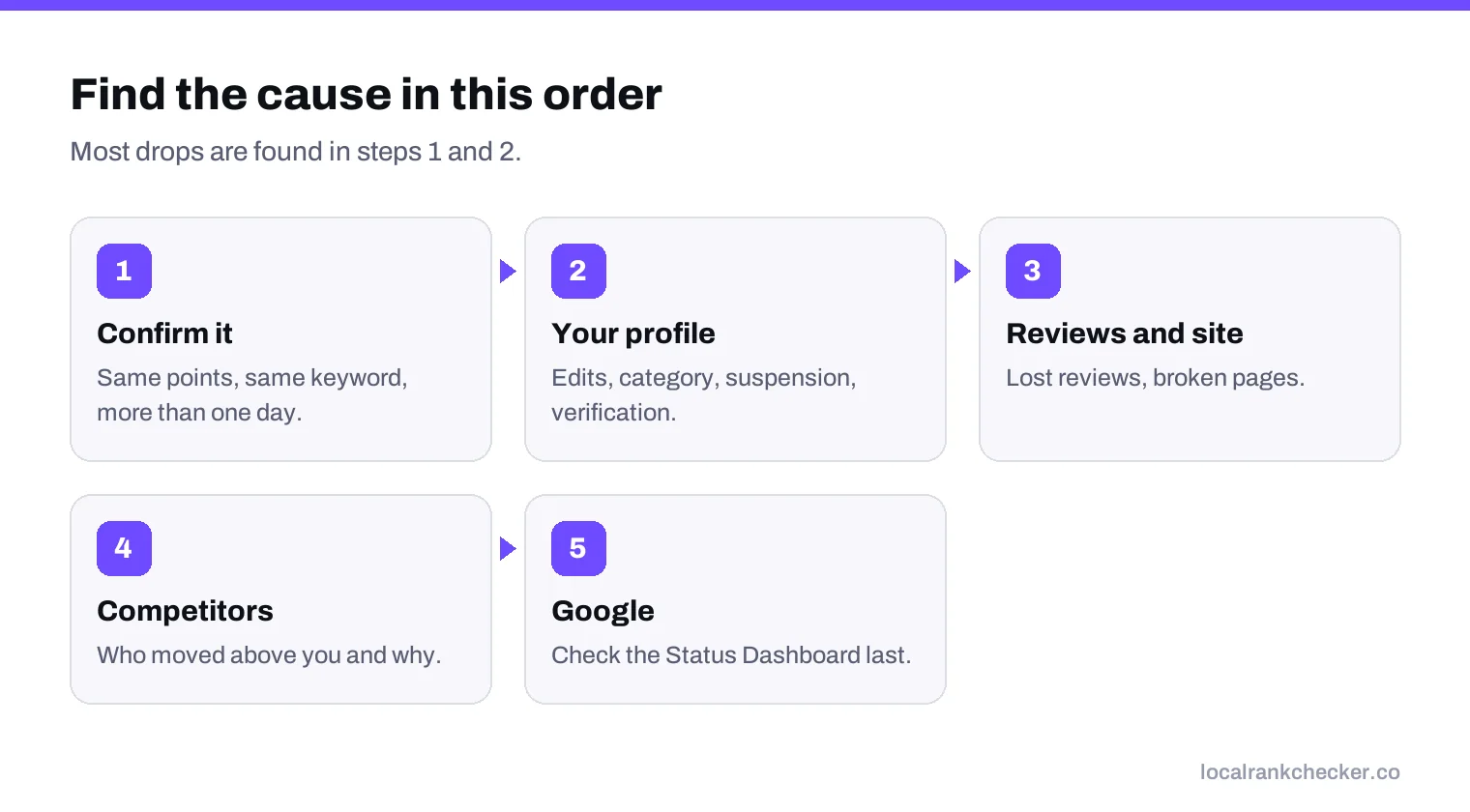
A Google Maps ranking drop almost always has a cause you can find. Work through it in order: first confirm the drop is real and not just a different check point, then look at your own profile for edits, warnings or a lost verification, then look at what competitors changed, and only then consider a Google update. Most drops trace back to the first two steps, and most are fixable.
This guide gives you that order as a checklist, with what each finding usually means and what to do about it.
Step 1: Confirm the drop is real
Before you change anything, make sure you are comparing like with like. Local results depend on where the searcher is. Google’s page on local ranking says distance is one of the three main factors, so a check from a different spot can look like a drop when nothing has changed.
- Was the check done from the same location as before?
- Was it the same keyword, spelled the same way?
- Was it the same device type? Mobile and desktop can differ.
- Does the drop show up on more than one day?
If you only have one bad result from your own phone, you don’t have a drop yet. Run a grid scan from fixed points and compare it with an earlier scan from the same points.
Step 2: Check your own profile
This is where most real drops come from. Sign in to your Business Profile and look for:
| What to look for | Why it matters |
|---|---|
| Edits you didn’t make | Google and other users can suggest changes to your name, category, hours or address. An accepted edit to your category can change which searches you appear for. |
| A changed primary category | The primary category has a big effect on relevance. Losing the right one can drop you for your main searches. |
| A suspension or warning | A suspended profile disappears from results. Google’s guidelines explain what can lead to one. |
| A request to verify again | Big edits, such as an address change, can trigger re-verification. Until it’s done, the profile may not show. |
| A changed website link or phone number | Broken links and wrong numbers hurt the trust signals that support your ranking. |
| Recent edits by your own team or agency | A new keyword in the business name, a moved pin or new hours can all have side effects. |
If you find a wrong edit, correct it. If the profile is suspended, our guide to getting a suspended profile reinstated covers the appeal.
Step 3: Check your reviews and website
Google says prominence is partly based on how many reviews you have and how many websites link to you. A sudden loss of reviews, for example after Google removed a batch it judged to break its policies, can weaken prominence. A website that went down, changed address or lost pages can also weaken the signals behind your ranking.
- Did your review count fall recently?
- Has your review rate slowed down compared with competitors?
- Is your website online, fast and showing the same name, address and phone as your profile?
- Did a website redesign remove the pages that described your services or areas?
Step 4: Check your competitors
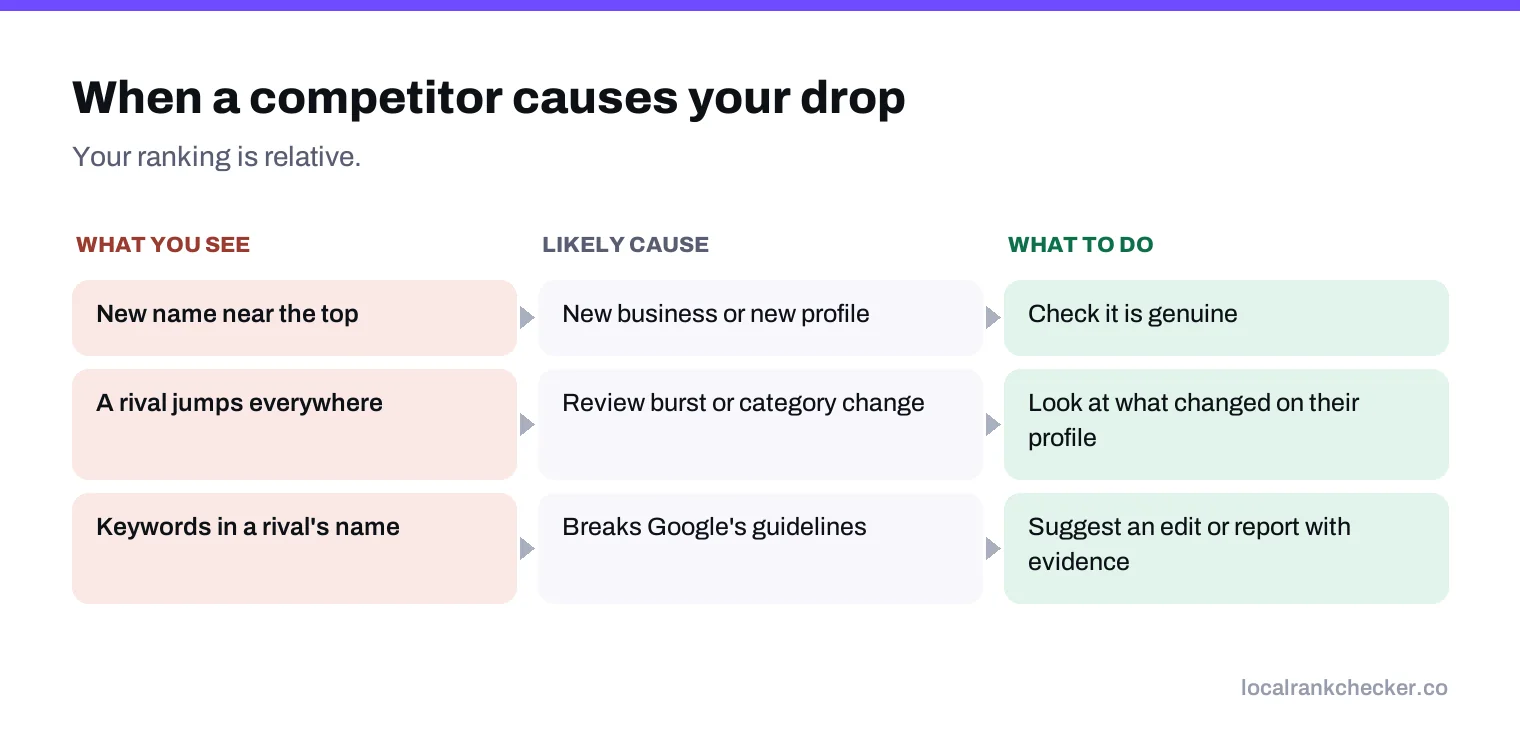
Your ranking is relative. If you didn’t change and your profile looks fine, someone else probably did. Search your main keywords from your area and look at who is now above you.
- Is there a new business nearby?
- Has a competitor collected a lot of reviews in a short time?
- Has a competitor added your keyword to their business name? That breaks Google’s rules and can be reported. Our guide to the map pack explains what each part shows.
- Did a competitor that was suspended come back?
Step 5: Consider a Google change
Only after the first four steps should you look at Google itself. Confirmed major updates are listed on the Google Search Status Dashboard. If your drop lines up with an update, and competitors moved at the same time, the change is likely on Google’s side. The right response is usually patience and steady improvement, not quick edits.
What usually fixes each cause
| Cause | Fix | Typical time |
|---|---|---|
| Wrong edit accepted | Correct the field | Often days |
| Suspension | Fix the issue, then appeal | Days to weeks |
| Re-verification needed | Complete verification | Days |
| Competitor gained reviews | Steady review requests to every customer | Months |
| Website problem | Fix the site and its service pages | Weeks |
| Google update | Keep improving; avoid panic edits | Varies |
Mistakes that make a drop worse
- Adding keywords to the business name. It breaks Google’s guidelines and is a common reason for suspension.
- Changing the primary category back and forth. Each change resets how Google matches you to searches.
- Moving the map pin. The pin should match your real location.
- Creating a second profile. Duplicate profiles split signals and can lead to both being removed.
- Buying reviews. Google’s content policy bans fake engagement, and removed reviews can leave you weaker than before.
Keep a change log
The easiest way to diagnose the next drop is to write down every change as it happens: profile edits, new photos, review campaigns, website updates and anything competitors did that you noticed. When a ranking moves, you can line the date up with your log and see what happened around the same time. Most businesses that struggle to explain a drop simply have no record of what changed.
When to get help
If you’ve worked through every step and still can’t find a cause, or the profile is suspended and your appeal was turned down, it may be time for a second pair of eyes. Bring your change log, your grid scans from before and after the drop, and screenshots of your profile. Anyone helping you will need those first, and having them ready can save days.
Where Local Rank Checker fits
Local Rank Checker keeps a history of grid scans from the same points, so you can see exactly when a drop started and whether it hit your whole area or just the edges. The competitor tracker shows whether others moved at the same time, and profile protection alerts you when someone edits your profile. See the pricing, or start a scan to set your baseline before the next drop.
Frequently asked questions
Why did my business drop on Google Maps?
Most often because of a profile edit, a suspension or re-verification, lost reviews, a website problem or a competitor improving.
How do I know if a ranking drop is real?
Compare grid scans from the same points on more than one day. One check from your phone is not enough.
Can someone else change my Business Profile?
Google and other users can suggest edits. Check your profile for changes you did not make.
How long does it take to recover?
A wrong edit can be fixed in days. Recovering from stronger competitors takes months of steady work.
Should I add keywords to my business name to recover?
No. It breaks Google's guidelines and can get the profile suspended.
Sources
The Google documentation behind the guidance on this page. Google changes these pages without notice, so check the date on any figure before you rely on it.